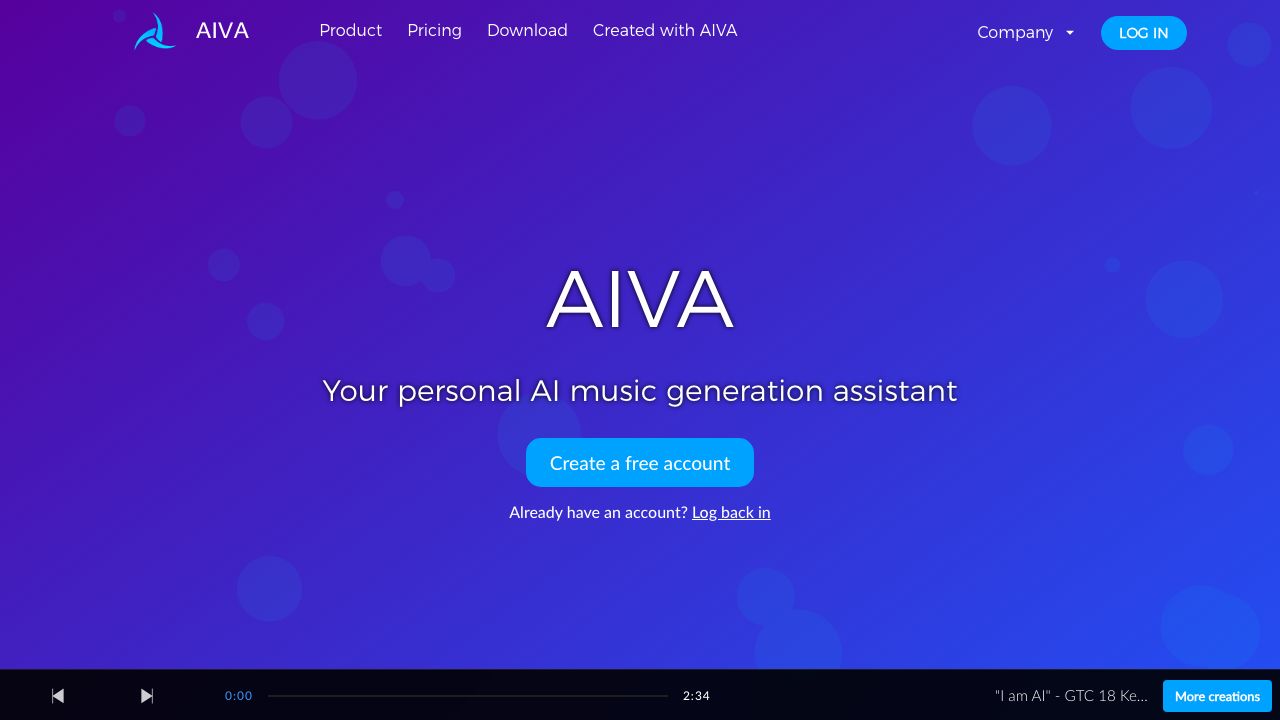
↗ What is AIVA?
In the current startup landscape, "content is king" has evolved into "multimedia is mandatory." Whether you are building a pitch deck, a product demo, or a social ad campaign, the emotional resonance of your background music can be the difference between a conversion and a bounce. This is where AIVA (Artificial Intelligence Virtual Artist) comes into play. Launched in 2016, AIVA is an AI-driven music composer that creates original, royalty-free scores across a staggering array of genres.
For founders, the value proposition is clear: high-end orchestral or cinematic music without the five-figure licensing fees or the legal headaches of copyright strikes. Unlike simple loop libraries, AIVA uses deep learning algorithms to understand the theory of music, allowing it to compose complex arrangements that feel human-made. It’s designed for creative professionals who need bespoke soundtracks but lack the budget for a full-time composer or the time to navigate complex stock music licenses.
↗ Key Features and Capabilities
Over my fifteen years in this industry, I’ve seen many "AI music" tools that produce nothing more than glorified elevator music. AIVA is different because it offers granular control over the compositional process.
1. Generative Profiles and Style Modeling AIVA allows you to choose from over 250 different preset styles, ranging from "Cinematic Cyberpunk" to "Lo-fi Hip Hop." However, the real power lies in its ability to ingest an existing MIDI file as an influence. If you have a specific melody or a "vibe" from a classical piece, you can upload it, and AIVA will generate a new composition that mimics that specific structural DNA without infringing on the original's copyright.
2. The Canvas Editor (Pro Mode) Most AI tools are "black boxes"—you click a button and get a file. AIVA provides a dedicated MIDI editor. Once a track is generated, you can open the "Canvas" to manually move notes, change tempos, or adjust the dynamics of individual instruments. This is crucial for startups that need a track to swell exactly when a product feature is revealed on screen.
3. Multi-Track MIDI Export For those with an in-house audio engineer, AIVA’s ability to export multi-track MIDI is a game-changer. You aren't stuck with a flat MP3. You can take the MIDI data and plug it into high-end VSTs (Virtual Studio Technology) in a DAW like Ableton or Logic Pro, giving you "Hans Zimmer" level production quality using AI-generated compositions.
4. Proprietary Emotion Engine AIVA categorizes its generation based on emotional sentiment. You can specify "Tense," "Inspiring," or "Melancholic." In my experience, the "Inspiring" presets are particularly effective for founder "vision" videos, as they utilize crescendos and orchestral layers that build momentum alongside your narrative.
↗ Getting Started
Getting your first track out of AIVA is surprisingly intuitive, but there’s a "pro" workflow I recommend to avoid generic outputs.
- →Account Setup: Head to AIVA and sign up. The web interface is robust, but I recommend downloading the desktop app for a smoother editing experience.
- →Select a Composition Method: You’ll be presented with three options: Styles (easiest), Influences (best for specific vibes), or Preset Scales. Start with "Styles" to get a feel for the engine.
- →Define Parameters: Choose your key signature and duration. Pro tip: Always generate at least 30 seconds more than you think you need to allow for clean fade-outs in your video editor.
- →Batch Generation: Don't just create one track. Use the batch feature to generate 5-10 variations. AI is a numbers game; one of those iterations will inevitably capture the "soul" of your project better than the others.
- →Refine in the Canvas: Open your favorite iteration in the editor. Trim any repetitive sections and ensure the climax of the music aligns with your video's "aha!" moment.
- →Export: Download your preferred format (MP3, WAV, or MIDI).
↗ Real-World Use Cases
The "High-Stakes" Pitch Video When you’re pitching to VCs, every second of your video needs to feel premium. Using a generic stock track that everyone has heard on a YouTube tutorial makes your startup look amateur. I’ve seen founders use AIVA to create a custom "Cinematic Orchestral" track that builds in intensity as they pivot from the "Problem" slide to the "Solution" slide.
Social Media Content at Scale If your marketing team is pumping out three TikToks or Reels a day, you can’t spend hours hunting for music. AIVA allows you to create a "Signature Style" profile. By consistently using music generated from the same influence or preset, you create an auditory brand identity that is unique to your startup.
In-App Ambient Soundscapes For SaaS founders building meditation apps, productivity tools, or gaming platforms, AIVA can generate hours of non-distracting, ambient background music. Because the music is AI-generated, you don't have to worry about the "loop fatigue" that comes with short, repetitive stock tracks.
↗ Pros and Cons
Advantages:
- →True Ownership: On the Pro plan, you own the full copyright of the tracks forever, which is a massive relief for legal compliance.
- →MIDI Flexibility: The ability to edit the actual notes makes this a professional tool rather than a toy.
- →Speed: You can go from a blank page to a fully orchestrated 3-minute track in under sixty seconds.
- →No Copyright Strikes: Since the music is original, you bypass the aggressive Content ID systems on YouTube and Twitch.
Limitations:
- →The "Uncanny Valley" of Audio: Sometimes the default MIDI instruments sound a bit "plastic." You often need to do some post-production to make the strings sound truly organic.
- →Learning Curve: The Canvas editor is powerful but can be intimidating for those without a basic understanding of music theory.
- →Pricing for Ownership: To actually own the copyright (and not just a license), you must be on the most expensive tier.
↗ How It Compares to Alternatives
In the crowded AI audio space, AIVA sits comfortably between "automated" and "professional." If you are looking for something strictly for social media background noise, Soundraw offers a very user-friendly interface that focuses more on mood-based customization than note-by-note editing.
However, if you are looking for a more "set it and forget it" approach for podcasts or simple YouTube videos, Epidemic Sound remains the industry standard for high-quality, human-composed stock music. The trade-off is that with Epidemic Sound, you never truly "own" the track; you are merely renting the right to use it. AIVA’s advantage is the ability to create something that has never existed before and will never be used by another brand.
↗ Pricing and Value
AIVA offers a tiered model. The Free plan is great for testing but requires you to credit AIVA and limits you to non-commercial use. The Standard plan (€11/mo) allows for commercial use on specific platforms like YouTube. However, for any serious startup, the Pro plan (€33/mo) is the only real choice. It grants you full copyright ownership, allowing you to monetize your content anywhere without restriction. For the price of two stock music licenses, you get unlimited compositions.
↗ Final Verdict
I recommend AIVA for startups that prioritize brand originality and have a high volume of video production needs. If you have someone on your team with even a slight "ear" for music, the ability to tweak MIDI files in AIVA provides a level of creative direction that stock libraries simply cannot match. It is the best tool on the market for founders who want to sound like a Fortune 500 company on a seed-stage budget. Check it out at AIVA.ai.
EXTERNAL VECTOR
VISIT AIVA ↗